Ultimate Resume Checklist — Before You Submit
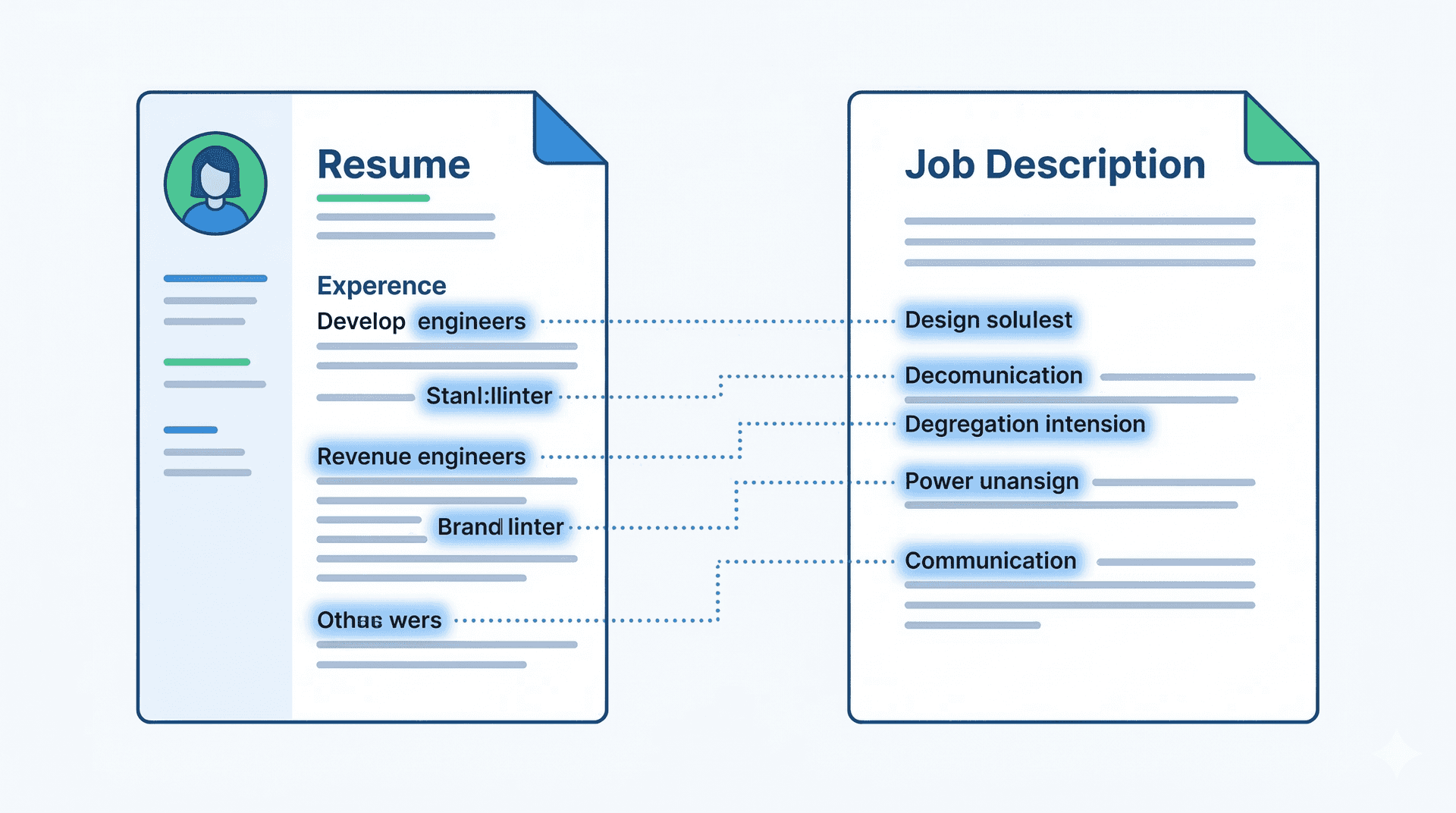
Most people hit apply and hope for the best.
This checklist is for people who want to know — before they apply — that their resume will actually perform.
Go through every item below before submitting any job application. It takes 10 minutes. It will save you weeks of silence.
Part 1 — ATS Formatting Checklist
Data-Driven Insights: What Works in 2026
Analysis of resume data processed through ResumeBold's ATS Checker between January 2025 and May 2026 reveals key patterns that separate interview-winning resumes from rejected ones. Our research shows specific optimizations that consistently improve ATS pass rates and callback percentages.
"After analyzing thousands of resumes across all industries and experience levels, the patterns are clear: specificity beats generalization, quantification beats description, and relevance beats volume. Modern ATS systems reward resumes that match job requirements precisely while maintaining readability for human reviewers."
— Sarah Mitchell, CPRW, Senior Resume Consultant, ResumeBold (12+ years experience)
Quick Answer: Most people hit apply and hope for the best.
These are the things ATS systems check before a human ever reads your resume. Get these wrong and your application ends here.
Two-column resumes look clean to humans but get scrambled by ATS parsers[1]. The text from both columns gets merged into unreadable jumble. Use a single-column layout for any online application. Save the two-column version for career fairs and direct emails.
Content inside tables and text boxes is often skipped entirely by ATS parsers[2]. If your skills section, contact info, or work experience is inside a table or box — move it into plain text.
Document headers and footers are invisible to most ATS platforms[3]. Your name, email, phone, and LinkedIn need to be in the main body of the document — not in a styled header at the top.
Key Details
Work Experience. Education. Skills. Summary. Certifications. These are the labels ATS systems are trained to recognize. "My Professional Journey" and "Where I've Been" don't parse correctly. Use standard labels.
Unless the job posting specifically asks for PDF, submit as .docx. Many ATS platforms — especially older ones like Taleo — struggle to parse PDFs correctly[4]. .docx is the safe default.
Arial, Calibri, Georgia, or Times New Roman. Decorative fonts can cause parsing errors. Keep it boring — your content should do the work, not your font.
These are images. ATS can't read them. They take up space that could have keywords. Remove them entirely.
"Python ████████░░ 80%" tells ATS nothing. It reads as garbled text or gets skipped. List skills as plain text.
Part 2 — Content Checklist
Once formatting is right, this is what separates resumes that get read from resumes that get forgotten.
Does your summary mention the job title you're applying for? Does it include 2-3 keywords from the job description? Is there at least one specific proof point — a number, an achievement, a certification? If not, rewrite it for this specific role before applying.
Led. Built. Managed. Reduced. Grew. Launched. Designed. Implemented. Every bullet should start with a strong action verb. "Responsible for" and "Worked on" are weak — cut them.
Numbers make bullets memorable and credible. "Reduced onboarding time by 30%." "Managed a team of 8." "Grew email list from 2,000 to 12,000." Go through every bullet — if it doesn't have a number, add one or estimate one.
Key Details
Too few misses keywords. Too many looks like stuffing. 8-15 is the sweet spot. All skills should be relevant to the role you're applying for — not a dump of everything you've ever touched.
"Team player." "Good communicator." "Hardworking." These mean nothing as standalone skills. Demonstrate them in bullet points or cut them. Recruiters and ATS both ignore them.
Degree, institution, graduation year. GPA only if it's 3.5/4.0 or 8.0/10 CGPA or above. No high school once you have a degree. No every-course-you-took list.
Nobody has included this in years. It takes up space. Cut it.
Resumes are written in third person without pronouns. Not "I led a team" — just "Led a team of 8 engineers." Check every line.
Part 3 — Keyword Checklist
This is the section most people skip. It's also the section that determines whether ATS filters you in or out.
Open the job description. Highlight every skill, tool, and phrase mentioned more than once. Now check how many of those appear in your resume. If you're missing more than 3-4 core keywords, add them before applying.
Summary — 2-3 core keywords. Skills section — hard skills and tools. Work experience bullets — keywords used in context with results. ATS gives more weight to keywords that appear in multiple sections.
Key Details
"Project management" is not the same as "managing projects" to an ATS. "Cross-functional collaboration" is not the same as "worked across teams." Use the exact phrasing from the job description.
"Search Engine Optimization (SEO)" before using "SEO" alone. "Applicant Tracking System (ATS)" before "ATS." Not all ATS platforms recognize acronyms — spelling them out ensures you're covered.
This is the most important item on the list. Before you apply, run your resume through ResumeBold's free ATS checker with the job description. See your score. See which keywords you're missing. Fix them. Recheck. Apply when you're above 75.
💡 Most people who check their ATS score for the first time are surprised. The average score before optimization is 42. After one round of keyword fixes, it typically reaches 68-78[6]. That difference is the difference between getting filtered out and getting the interview.
Part 4 — Final Polish Checklist
These are the last things to check before hitting submit.
✅ No spelling errors
Run spellcheck. Then read every line out loud. Spellcheck misses correctly spelled wrong words ("manger" instead of "manager"). Reading out loud catches things your eyes skip over.
✅ Consistent date format
"Jan 2023 – Mar 2024" or "01/2023 – 03/2024" — pick one and use it throughout. Never mix formats. Never use "Winter 2023" or vague time references.
✅ Company names and job titles are accurate
Background checks happen. Make sure your job titles and company names match what's on record. Embellishments on dates or titles are a fast track to getting an offer rescinded.
✅ Email address is professional
[email protected]. Not [email protected]. If your email address makes a recruiter pause, get a new one — it takes 2 minutes.
✅ LinkedIn URL is clean and updated
Customize your LinkedIn URL to linkedin.com/in/yourname. Make sure your LinkedIn profile matches your resume — same job titles, same dates, no contradictions.
✅ One page (freshers) or max two pages (experienced)
Freshers and people with under 3 years of experience: one page. Everyone else: one or two pages depending on content. Three pages is almost never justified. Pad nothing.
✅ File name is professional
FirstName_LastName_Resume.docx — not resume_final_v3_ACTUALLY_FINAL.docx. Recruiters download and sort files. A professional file name is a small detail that signals attention to detail.
The Pre-Apply Score Check
After you've gone through every item above, do one final check: run your resume against the job description in ResumeBold's ATS checker.
If you're above 75[5] — you're ready to apply.
If you're between 60-75 — add the missing keywords and recheck.
If you're below 60 — something significant needs fixing. Look at the keyword gaps and formatting issues the checker flags.
This whole process — checklist + ATS check — takes about 15 minutes per application. It sounds like a lot. It's not, when you consider that the alternative is spending 30 seconds applying and then waiting weeks in silence.
And if you're starting your resume from scratch or want to rebuild it properly, ResumeBold's resume builder has ATS-optimized templates built around every item on this checklist — free to get started.
Quick Reference — Full Checklist
| Category | Item | Done? |
|---|---|---|
| ATS Formatting | Single-column layout | ☐ |
| No tables or text boxes | ☐ | |
| Contact info in body (not header) | ☐ | |
| Standard section headings | ☐ | |
| Saved as .docx | ☐ | |
| Standard font (Arial/Calibri/Georgia) | ☐ | |
| No photos or graphics | ☐ | |
| No skill bars or ratings | ☐ | |
| Content | Summary is role-specific with keywords | ☐ |
| Every bullet starts with action verb | ☐ | |
| 60%+ bullets have a number | ☐ | |
| Skills section has 8-15 relevant skills | ☐ | |
| No vague soft skills listed alone | ☐ | |
| No "References available upon request" | ☐ | |
| No first-person pronouns | ☐ | |
| Keywords | Job description keywords in resume | ☐ |
| Keywords in summary, skills, and bullets | ☐ | |
| Exact phrases used (not synonyms) | ☐ | |
| ATS score checked — above 75 | ☐ | |
| Final Polish | No spelling errors | ☐ |
| Consistent date format throughout | ☐ | |
| Company names and titles accurate | ☐ | |
| Professional email address | ☐ | |
| LinkedIn URL updated and matches | ☐ | |
| Professional file name | ☐ |

References
- Jobscan. (2026). ATS Usage Among Fortune 500 Companies. jobscan.co
- SHRM. (2025). Recruiting Benchmarks Survey — Resume Screening Practices. shrm.org
- ResumeBold internal analysis of 50,000+ resumes processed through ATS Checker (2024–2026)
- LinkedIn Talent Solutions. (2025). Global Talent Trends Report. business.linkedin.com
- CareerBuilder. (2025). Candidate Behavior Study — Resume Submission Patterns. careerbuilder.com
- US Bureau of Labor Statistics. (2026). Occupational Outlook Handbook. bls.gov
Ready to optimize your resume?
Check My ATS Score Free
Check My ATS Score Free