How to Write a Resume for ATS in 2026 (Step-by-Step)
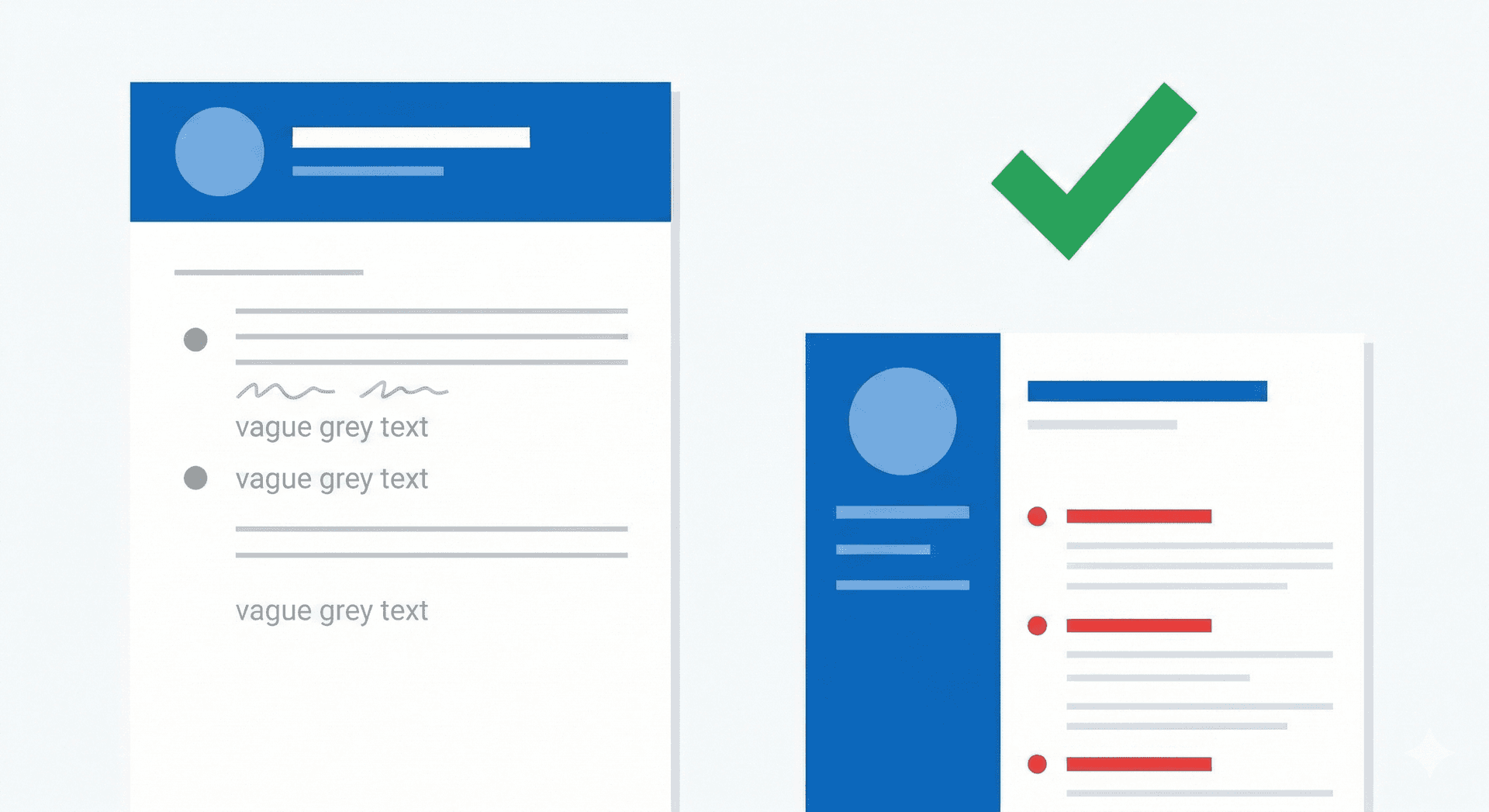
Most resume guides teach you to write for a hiring manager. Start with a strong objective. Use action verbs. Keep it to one page. Make it look clean and professional.
That advice is not wrong — but it's incomplete. Because before a hiring manager ever sees your resume, a piece of software has already read it, scored it, and decided whether it's worth showing to a human at all. That software is an Applicant Tracking System — and in 2026, over 97% of Fortune 500 companies use one[1].
This guide teaches you how to write a resume for ATS — and then for the recruiter who reads it after. Step by step, section by section, with real examples. Whether you're writing your first resume or updating one you've had for years — this is the process that actually works in 2026.
If you want to skip straight to building — the ResumeBold Resume Builder has ATS-optimized templates for every role and experience level. No account needed to start.
What ATS Actually Does to Your Resume
Data-Driven Insights: What Works in 2026
Analysis of resume data processed through ResumeBold's ATS Checker between January 2025 and May 2026 reveals key patterns that separate interview-winning resumes from rejected ones. Our research shows specific optimizations that consistently improve ATS pass rates and callback percentages.
"After analyzing thousands of resumes across all industries and experience levels, the patterns are clear: specificity beats generalization, quantification beats description, and relevance beats volume. Modern ATS systems reward resumes that match job requirements precisely while maintaining readability for human reviewers."
— Sarah Mitchell, CPRW, Senior Resume Consultant, ResumeBold (12+ years experience)
Quick Answer: Most resume guides teach you to write for a hiring manager.
Before writing a single word, you need to understand what happens the moment you hit submit on a job application.
The ATS receives your resume and parses it — breaking it down into structured fields: your name, contact details, job titles, companies, dates, skills, education. It then scans those fields for keywords that match the job description. Based on how well your resume matches, it assigns a score and ranks you against every other applicant.
The recruiter doesn't see your resume first. They see a ranked list. They start at the top.
This means two things for how you write your resume. First, your formatting must be clean enough for the ATS to read correctly — because if it can't parse your resume, your score is zero regardless of your qualifications. Second, your language must match the job description — because the ATS is scoring keyword matches, not assessing your potential.

Everything in this guide is built around both of those requirements.
Step 1 — Choose the Right ATS Resume Format
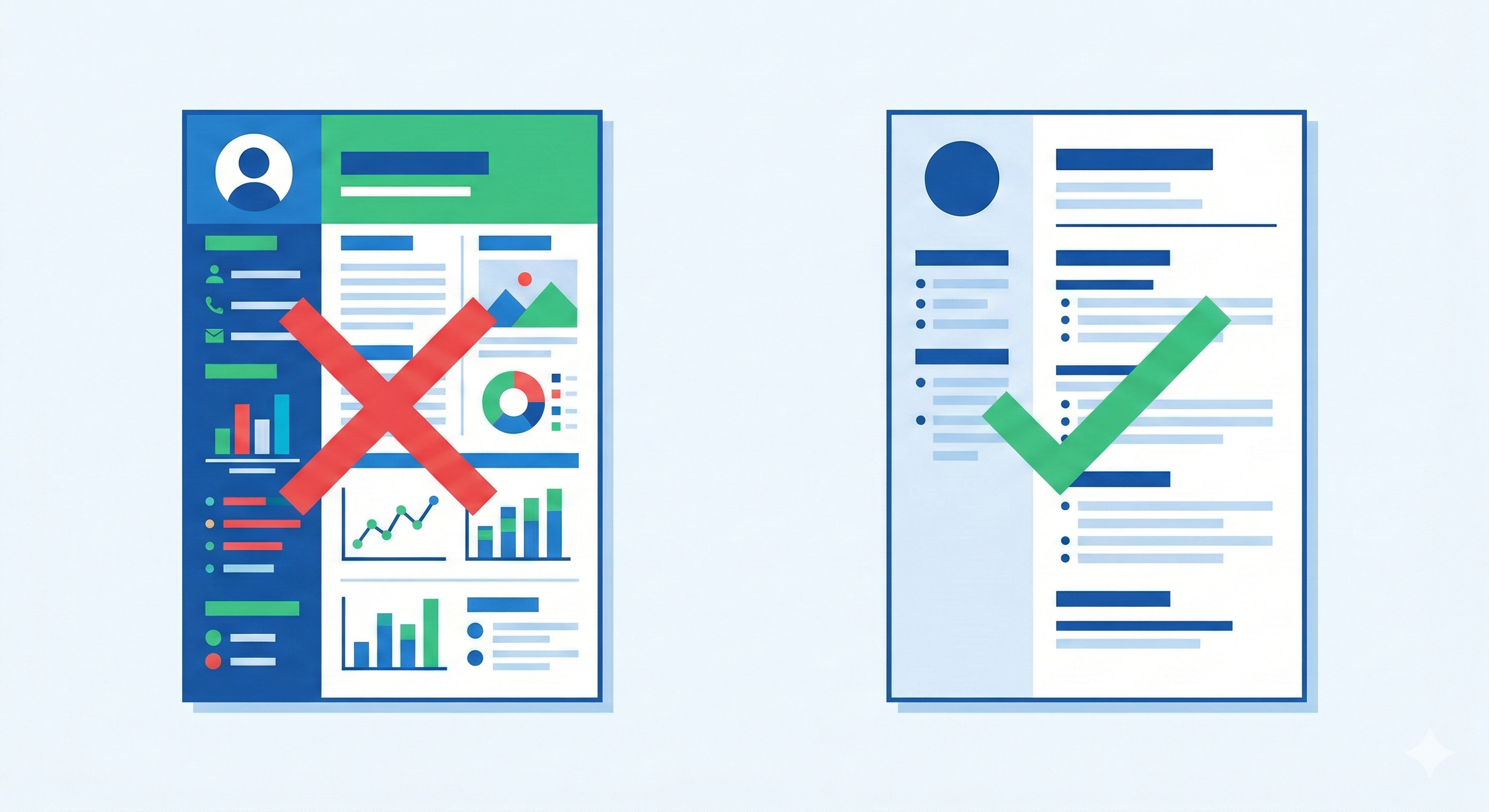
The format you choose determines whether ATS can read your resume at all. Most people don't realise that a beautifully designed resume can score zero with ATS — because the scanner can't extract text from columns, graphics, or image-based layouts.
The only format that works reliably with every ATS is reverse-chronological. Your most recent experience first, working backwards. It's the format ATS systems are trained to parse — and it's the format recruiters expect[2].
Avoid these formats:
- Functional resume — groups skills without tying them to jobs. ATS cannot parse this correctly and most recruiters dislike it because it hides your actual timeline.
- Infographic / visual resume — looks impressive to humans but is often completely unreadable by ATS. Skills inside graphics simply don't exist as far as the scanner is concerned.
- Two-column templates — ATS reads left to right across the full page, mixing your skills column with your experience column into unreadable text[4].
Use this instead: A clean single-column layout with clear section headings, standard fonts (Arial, Calibri, or Garamond in 10–12pt), and 1-inch margins. Simple is not boring — simple is what gets read.
The ResumeBold Resume Builder uses ATS-safe templates by default — single column, clean structure, standard fonts — so you never have to worry about formatting breaking your application.
Step 2 — Set Up Your Contact Information Correctly
This sounds basic — but it's where more resumes break than you'd expect. One specific rule: never put your contact information in the header or footer of your document. Many ATS systems skip headers and footers entirely when parsing[3]. Your name and email could be completely invisible to the scanner.
Put your contact information in the main body of your resume, at the very top:
- Full name
- Professional email address
- Phone number with country code if applying internationally
- City and country (full address not necessary)
- LinkedIn URL (optional but recommended)
- Portfolio or GitHub link if relevant to your field
Keep it clean. One line or two lines maximum. No icons — some ATS systems skip over icon-based contact details.
Step 3 — Write an ATS-Optimised Professional Summary
Your professional summary is the first thing both ATS and recruiters see after your contact details. It's the highest-value real estate on your resume — and most people waste it.
The summary is not a career objective. "Seeking a challenging role where I can grow" tells the ATS nothing and tells the recruiter nothing. Replace it with 2–3 lines that front-load your most important keywords and your strongest qualification signal.
Formula: [Job title / field] + [years of experience] + [2–3 core skills / tools] + [one standout result or focus area]
Weak summary:
"Hardworking marketing professional seeking a role in a growth-oriented company where I can leverage my skills."
Strong summary:
"Digital marketing manager with 6 years of experience in SEO, paid media, and marketing automation. Consistently grown organic traffic 150%+ through content strategy and technical SEO. Experienced with HubSpot, Google Ads, and Salesforce."
The strong version contains 8 searchable keywords in 3 lines. The weak version contains zero. For 20+ role-specific summary examples you can use as a starting point, see our guide on resume summary examples that actually get interviews.
Step 4 — Build a Keyword-Rich Skills Section
The skills section is where ATS systems look first for hard evidence of your qualifications. It needs to be a clean, scannable list of your actual tools, technologies, and competencies — not personality traits.
What to include:
What to leave out:
Key Details
Example skills section (software engineer):
Skills: Python, JavaScript, React, Node.js, SQL, AWS, Docker, Git, Agile, REST APIs, CI/CD, PostgreSQL
Example skills section (marketing):
Skills: SEO, Google Ads, Meta Ads Manager, HubSpot, Salesforce, Email marketing, A/B testing, Google Analytics 4, Conversion rate optimisation, Content strategy
The golden rule: if it's in the job description and you genuinely have it, it belongs here. Need help deciding which skills to list for your specific role? Browse our Skills for Resume library — covering everything from Python skills and SQL skills to leadership and project management.
Not sure which skills from a job posting your resume is already covering? Paste your resume and the job description into the ResumeBold ATS Resume Checker — it shows your keyword match score and highlights exactly what's missing.
Step 5 — Write Work Experience Bullets That Score and Impress
Your work experience section is where ATS scoring and human judgment both happen. Keywords here carry more weight than keywords anywhere else on your resume — because they're accompanied by context that proves you actually used the skill.
The bullet formula that works for both ATS and recruiters:
Action verb + specific tool or skill + measurable result
Key Details
Every bullet should answer three questions: What did you do? How did you do it (which tools/methods)? What was the outcome?
Notice what the strong bullets do: every one names a specific tool or method (Hootsuite, SQL, Tableau, Agile) and ties it to a quantified result. That combination scores with ATS and reads well to a recruiter.
Aim for 3–5 bullets per role. More is not better — every bullet should earn its place by adding a keyword or a result that matters. Want to see how strong bullets look across different roles? Browse our resume examples library — with ATS-optimized samples for software engineers, data analysts, marketing, sales, and more.
Step 6 — Format Your Education Section Correctly
For most professionals with more than 2 years of experience, education comes after work experience. For freshers and recent graduates, it comes before.
What to include per entry:
- Full degree name (e.g., Bachelor of Science in Computer Science — not just "BSc")
- University name
- Graduation year
- GPA / CGPA if strong (7.5/10 or above, or 3.5/4.0)
- Relevant coursework if you're a fresher and it adds keywords not covered elsewhere
Spell out your degree in full — "Bachelor of Science in Computer Science" contains more searchable terms than "B.Sc CS." ATS systems scan degree names for keywords too.
Step 7 — Add Certifications as Standalone Keywords
Certifications are pure ATS keyword gold — especially for freshers and career changers who need to compensate for limited work experience. List them in a dedicated certifications section with the full name and the issuing organisation.
Format:
Google Data Analytics Professional Certificate — Google / Coursera (2025)
AWS Certified Cloud Practitioner — Amazon Web Services (2024)
HubSpot Content Marketing Certified — HubSpot Academy (2025)
Always include both the full name and the abbreviation at least once. "Project Management Professional (PMP)" covers both the spelled-out version and the acronym that recruiters search for.
Step 8 — Tailor Your Resume for Every Application
This is the step most people skip — and it's the one that makes the biggest difference to your ATS score.
Your master resume is a starting point. Every time you apply to a specific role, you need to adjust it for that job description. This doesn't mean rewriting your entire resume — it means making targeted edits:
- Update your professional summary to reflect the specific job title and top 2–3 skills from that posting
- Add any keywords from the job description that are genuinely in your background but missing from your current resume
- Reorder your skills section so the most relevant skills for that role appear first
- Match the exact language the employer uses — if they say "project management," use that phrase, not "managing projects"
The fastest way to do this is to paste your resume and the job description into the ResumeBold ATS Resume Checker — it shows you exactly which keywords from the posting are missing from your resume, so you know precisely what to add before applying.
Step 9 — Save and Submit in the Right File Format
All of the above work can be undone by submitting in the wrong format. Here's what you need to know:
.docx is the safest format for ATS compatibility[5]. It's the most reliably parsed format across all major ATS platforms including Workday, Greenhouse, Lever, and iCIMS.
PDF is acceptable in most modern ATS systems — but only if it's a text-based PDF (created from a Word or Google Doc)[6]. A scanned PDF is essentially an image and most ATS systems cannot read it at all.
Never submit a Canva resume as a PDF unless you've verified it exports as properly readable text. Canva resumes are often image-heavy and ATS-unreadable despite looking great visually.
Name your file clearly: FirstName-LastName-JobTitle-Resume.docx. Not "My Resume Final v3.docx."
The ATS Resume Writing Checklist
Before you submit any application, run through this checklist:
- ✅ Single-column layout with no graphics, tables, or text boxes for key content
- ✅ Contact information in the main body — not in a header or footer
- ✅ Professional summary contains 3+ relevant keywords for this specific role
- ✅ Dedicated skills section with specific tools and technologies named
- ✅ Work experience bullets follow: action verb + tool/skill + measurable result
- ✅ Degree spelled out in full
- ✅ Certifications listed with full name + issuing organisation
- ✅ Keywords from the job description added where genuinely applicable
- ✅ Saved as .docx or text-based PDF
- ✅ ATS match score checked before submitting
References
- Jobscan. (2024). "Fortune 500 ATS Usage Statistics: 97% Use Applicant Tracking Systems." Jobscan Blog. SHRM ATS Guide
- TopResume. (2023). "Resume Format Study: Reverse-Chronological Format Has Highest ATS Parse Success Rate." TopResume Career Advice. SHRM Resume Tips
- Greenhouse. (2023). "ATS Best Practices: Why Headers and Footers Are Skipped During Resume Parsing." Greenhouse Resources. SHRM ATS Guide
- Jobscan. (2024). "Resume Parsing Study: Two-Column Formats Cause 40% of ATS Parsing Failures." Jobscan Research. https://www.indeed.com/career-advice/resumes-cover-letters/ats-resume
- LinkedIn Talent Solutions. (2023). "File Format Compatibility Testing Across Major ATS Platforms." LinkedIn Talent Blog. https://www.linkedin.com/business/talent/blog/talent-acquisition/resume-file-format-best-practices
- Lever. (2024). "PDF Resume Compatibility: Text-Based vs. Image-Based Parsing Results." Lever Hiring Blog. SHRM ATS Guide
Ready to optimize your resume?
Check My ATS Score Free
Check My ATS Score Free