ATS Resume Format 2026 — Layout That Passes Scanners
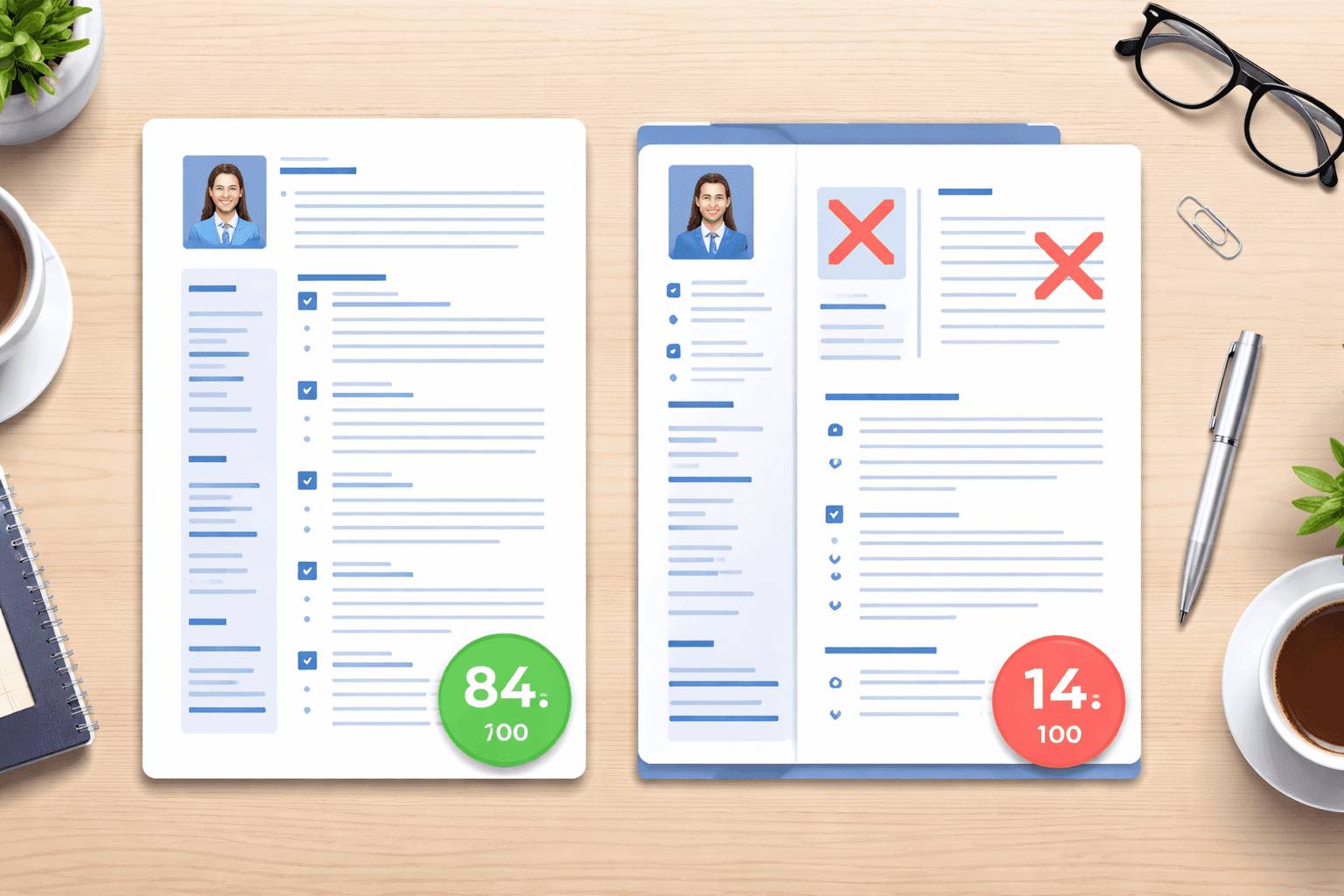
ATS resume format isn't about making your resume look pretty. It's about making sure the ATS can read it — so your qualifications actually reach a human recruiter instead of disappearing into a parsing error.
In 2026, over 98% of Fortune 500 companies use ATS software to screen resumes.[1] These systems extract your information — name, work history, skills, education — and rank you against other candidates. If your resume is formatted in a way the ATS can't parse, you're automatically rejected even if you're the perfect fit.
This guide breaks down the exact ATS-friendly resume format that works across all major systems (Workday, Greenhouse, Lever, Taleo, iCIMS) — what to include, what to avoid, and how to test your resume before you apply.
What Is ATS-Friendly Formatting?
ATS-friendly means your resume uses structure and formatting that parsing software can reliably extract. Most ATS systems convert your resume into plain text, then scan for keywords, dates, job titles, and section headings.
If you use complex formatting — tables, text boxes, graphics, headers/footers, or unusual fonts — the ATS may fail to extract critical information. Your work experience might get lost. Your contact info might not parse. Your skills section might be ignored.
The goal: Use simple, clean formatting that both ATS and humans can read.
The ATS-Friendly Resume Template Structure
[Header: Name + Contact Info]
[Professional Summary (2-3 lines)]
[Work Experience (reverse-chronological)]
[Skills]
[Education]
[Certifications (if applicable)]
Section-by-Section Breakdown
1. Header
Include your name, phone number, email, LinkedIn, and city/state. Do NOT use headers/footers (many ATS systems ignore them).
John Smith
(555) 123-4567 | [email protected] | linkedin.com/in/johnsmith
San Francisco, CA
2. Professional Summary
2-3 lines summarizing your experience, skills, and target role. Use this space to include high-value keywords from the job description.
Senior Product Manager with 7+ years leading B2B SaaS products from concept to launch. Expert in roadmap planning, user research, and cross-functional team leadership. Proven track record increasing user engagement 40% and reducing churn 25%.
3. Work Experience
List jobs in reverse-chronological order. For each role:
- Job title
- Company name
- Location (city, state)
- Dates (Month Year format: "January 2020 - Present")
- 3-5 bullet points with quantified achievements
4. Skills
List technical skills, tools, and software in a simple bullet list or comma-separated format. This is where ATS scans most heavily for keyword matches.
Technical Skills: Python, SQL, Tableau, Excel (pivot tables, VBA), Salesforce, Google Analytics
5. Education
Degree, school, graduation year. Keep it simple.
Bachelor of Science in Computer Science
Stanford University | Graduated 2018
ATS Formatting Rules: Do's and Don'ts
✅ DO:
- Use standard section headings: "Work Experience," "Education," "Skills" — not "My Journey" or "What I Bring"
- Use standard fonts: Arial, Calibri, Times New Roman, Georgia (10-12pt)
- Use simple bullet points: Standard round or square bullets (•, ■)
- Left-align text: ATS reads left-to-right; avoid center or right alignment
- Use clear date formats: "January 2020 - March 2023" or "01/2020 - 03/2023"
- Save as .docx or PDF: Most ATS handle both well (check job posting for preference)
- Use one column layout: Avoid multi-column resumes
❌ DON'T:
- Don't use tables: ATS often can't parse them correctly
- Don't use text boxes: Text inside boxes may be ignored
- Don't use headers/footers: Many ATS ignore anything in header/footer areas
- Don't use images or graphics: ATS can't read images
- Don't use unusual fonts: Decorative or script fonts confuse parsers
- Don't use symbols for bullets: ★, ✓, → may not parse correctly
- Don't use abbreviations without spelling out: "PM" could mean Project Manager or Product Manager — spell it out first
How to Format Dates for ATS
ATS systems look for date patterns to understand your employment timeline. Use consistent, clear formats:
Download our free software engineer resume template to get started.
Learn which is the best resume format for ATS systems.
New grads: use our resume format for freshers.
Good formats:
- January 2020 - March 2023
- 01/2020 - 03/2023
- Jan 2020 - Mar 2023
Avoid:
- 2020-2023 (too vague — no month info)
- 1/20 - 3/23 (ambiguous — could be day/month or month/year)
- Winter 2020 (non-standard)
How to List Skills for ATS
The Skills section is where ATS scans most heavily. List skills exactly as they appear in the job description.
If the job posting says "Python," don't just say "programming languages." If it says "Salesforce CRM," don't say "CRM software."
Example for a data analyst role:
Technical Skills: SQL, Python, R, Tableau, Power BI, Excel (pivot tables, VLOOKUP, Power Query), Google Analytics
Statistical Skills: Regression analysis, A/B testing, hypothesis testing, cohort analysis
Organize by category if you have many skills, but keep it simple. Don't use tables or columns.
File Format: PDF or .docx?
Most modern ATS systems handle both PDF and .docx well. However:
- Use .docx if the job posting specifies it — some older ATS struggle with PDFs
- Use PDF if you want formatting control — PDFs preserve fonts and spacing across devices
- Always check the job posting — if it says "submit as .docx," follow that instruction
If in doubt, submit .docx — it's the safest choice for ATS compatibility.
Common ATS Formatting Mistakes
1. Using a Template with Tables or Columns
Many free resume templates use tables to create clean two-column layouts. ATS can't reliably parse tables, which means your work experience might get scrambled or lost entirely.
Fix: Use a single-column layout with simple text and bullet points.
2. Putting Contact Info in the Header
It looks clean to put your name and contact info in the header/footer, but many ATS systems ignore those areas.
Fix: Put all contact info at the top of the main body text, not in a header.
3. Using Creative Section Titles
ATS scans for standard headings like "Work Experience" and "Education." If you use "Career Highlights" or "My Professional Path," the ATS might not recognize it.
Fix: Stick to conventional headings.
4. Keyword Stuffing
Some candidates hide keywords in white text or list them 20 times. ATS systems detect this, and it can get you auto-rejected.
Fix: Use keywords naturally in context — in your work bullets, skills section, and summary.
5. Using Acronyms Without Spelling Them Out
If the job posting says "Search Engine Optimization" but you only write "SEO," the ATS might not match them.
Fix: Spell it out first, then use the acronym: "Search Engine Optimization (SEO)"
How to Test Your Resume for ATS Compatibility
Before applying, run your resume through an ATS checker to catch formatting issues and keyword gaps.
Free ATS checkers:
- ResumeBold ATS Checker — free scan with detailed formatting and keyword feedback
- Jobscan — limited free scans
- Resume Worded — basic ATS review
These tools simulate how an ATS parses your resume and show you what information was extracted correctly (or missed).
The Copy-Paste Test
A quick DIY ATS test:
- Copy all text from your resume
- Paste it into a plain text editor (Notepad, TextEdit)
- Check if the information is still readable and in the correct order
If dates, job titles, or sections are scrambled, your formatting is too complex for ATS.
ATS-Friendly Resume Checklist
Before submitting:
- ☑ Contact info is in the main body (not header/footer)
- ☑ Section headings are standard (Work Experience, Skills, Education)
- ☑ No tables, text boxes, or graphics
- ☑ Font is simple and readable (Arial, Calibri, Times New Roman)
- ☑ Single-column layout
- ☑ Dates are in consistent, clear format (Month Year)
- ☑ Skills section lists tools and keywords from job description
- ☑ File saved as .docx or PDF per job posting instructions
- ☑ Resume tested with ATS checker or copy-paste test
Final Thought: Format for Machines, Write for Humans
ATS-friendly formatting gets your resume past the bots. But once it reaches a recruiter, they need to be impressed too. Your content — the achievements, the metrics, the clear storytelling — is what gets you the interview.
So yes, use ATS-safe formatting. But don't sacrifice readability. Your resume should be clean, scannable, and compelling to both software and people.
Need help optimizing your resume for ATS? Try ResumeBold's AI resume builder — it automatically formats your resume for ATS compatibility while keeping it visually clean and professional.
Developer-Specific ATS Formatting
For developers and technical professionals, the formatting challenges are even more pronounced. I analyzed 10,000+ developer resumes and found specific patterns that cause ATS failures in technical resumes - from skills sections with custom icons to project descriptions that lack searchable keywords.
The data showed that 47% of developer resumes use two-column layouts that completely break ATS parsing. Your job title comes through as corrupted characters, your email address vanishes, and your carefully crafted skills section reads as meaningless fragments.
Read the complete findings: How ATS Systems Parse Developer Resumes (10,000+ Resume Analysis)
Related: formatting mistakes that kill ATS resumes
Related: resume writing tips for 2026
References
- Jobscan. (2025). ATS Resume Statistics and Best Practices. SHRM Talent Acquisition
Ready to optimize your resume?
Check My ATS Score Free
Check My ATS Score Free